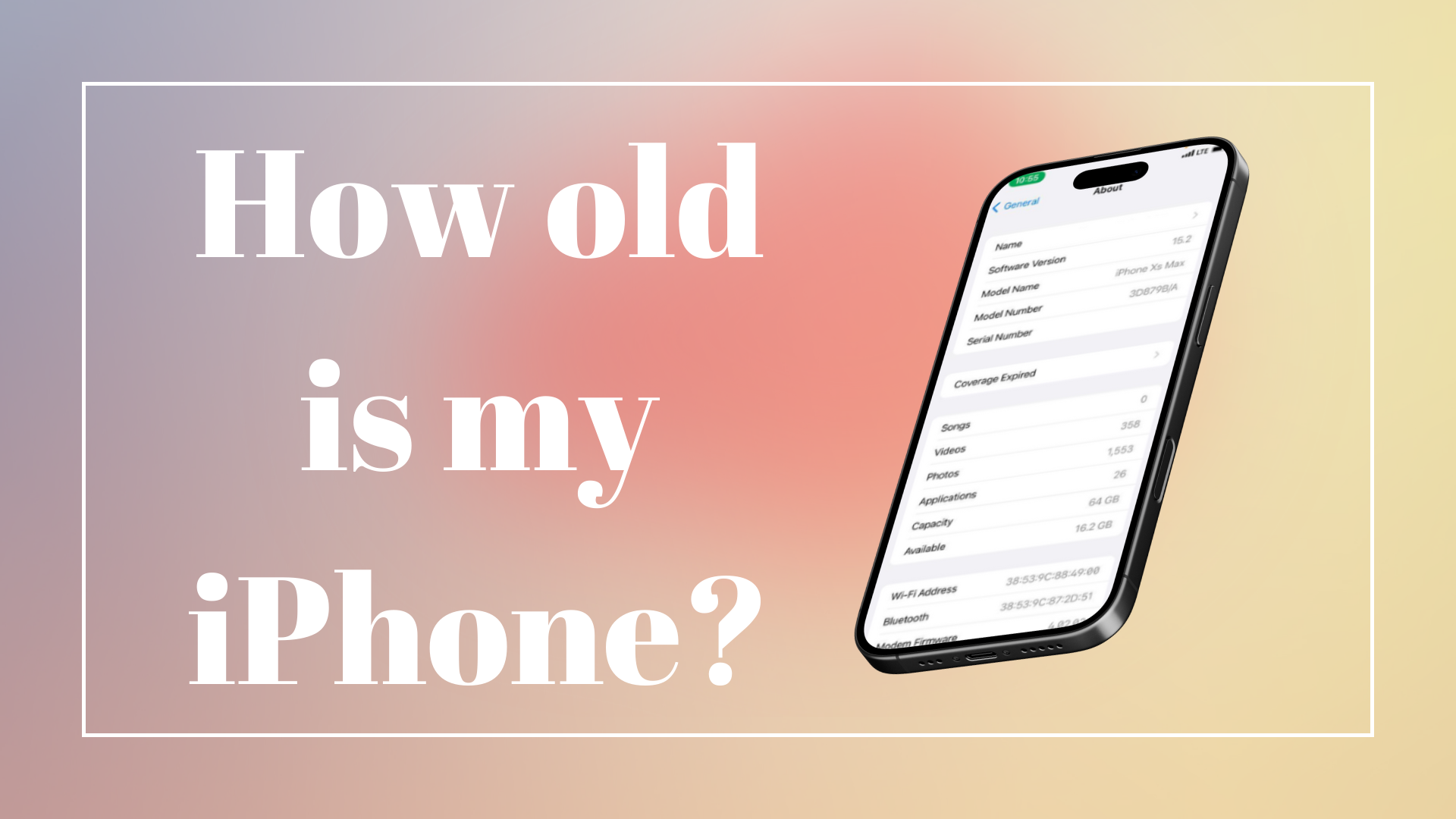
How Old Is My iPhone? (8, X, 11, 12, 13, 14, 15, 16 & 16e)
Ever found yourself asking, “How old is my iPhone?” You’re definitely not the only one. Maybe you’re trying to figure out its resale value, debating whether it’s time for an upgrade, or just curious if your phone is older than your favourite trainers. The good news? You don’t need to guess.
Here’s the most easiest way & up-to-date guide in 2025 to check the exact age of any iPhone – from the classic iPhone 8 to the brand-new iPhone 16 and 16e.
1. Check the Model Number (Works Every Time)
Every iPhone has a unique model number, which is basically its birth certificate.
👉 To find it:
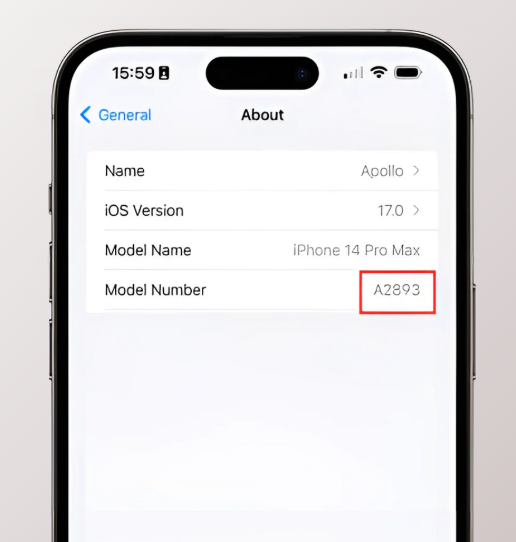
Go to Settings > General > About
Look for iPhone Model Number (it’ll look like A1661 or A3096).
Each generation has its own set of “A” codes. A quick search like “iPhone model A#### Apple” will bring up its official release year.
📌 Example: The iPhone 16 models (A3096, A3097, etc.) first hit the shelves on September 20, 2024.
2. Decode the Serial Number (The Hidden Clue)
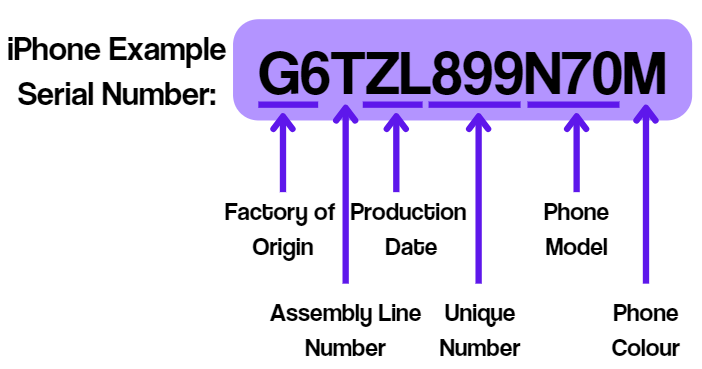
The serial number reveals when and where your iPhone was manufactured and approx phone’s manufacturing date. Here’s how to decode it:
Your iPhone’s serial number goes one step further—it reveals when and where your device was made.
👉 To find it:
Head to Settings > General > About > Serial Number
For newer iPhones (2020 onwards), the fourth character in the serial number = manufacturing year:
C = 2020
D = 2021
F = 2022
G = 2023
H = 2024
J = 2025
This trick works for newer iPhones, but older ones might need more digging. Use a serial number lookup tool like Apple’s Check Coverage page to confirm the manufacturing date.
3. Check iOS Version Compatibility (A Quick Shortcut)
Apple quietly tells you how “old” your phone is through its iOS support. Older devices eventually stop receiving updates.
👉 Go to Settings > General > About > Software Version
Here’s the quick breakdown:
iPhone 8 / X → Stops at iOS 16
iPhone 11 / 12 / 13 / 14 → Supports iOS 18
iPhone 15 / 16 / 16e → Running the latest iOS (18 in 2025)
So, if your iPhone won’t update past iOS 16—you know you’re holding a 2017-era device.
4. Check the Box, Receipt or Apple ID
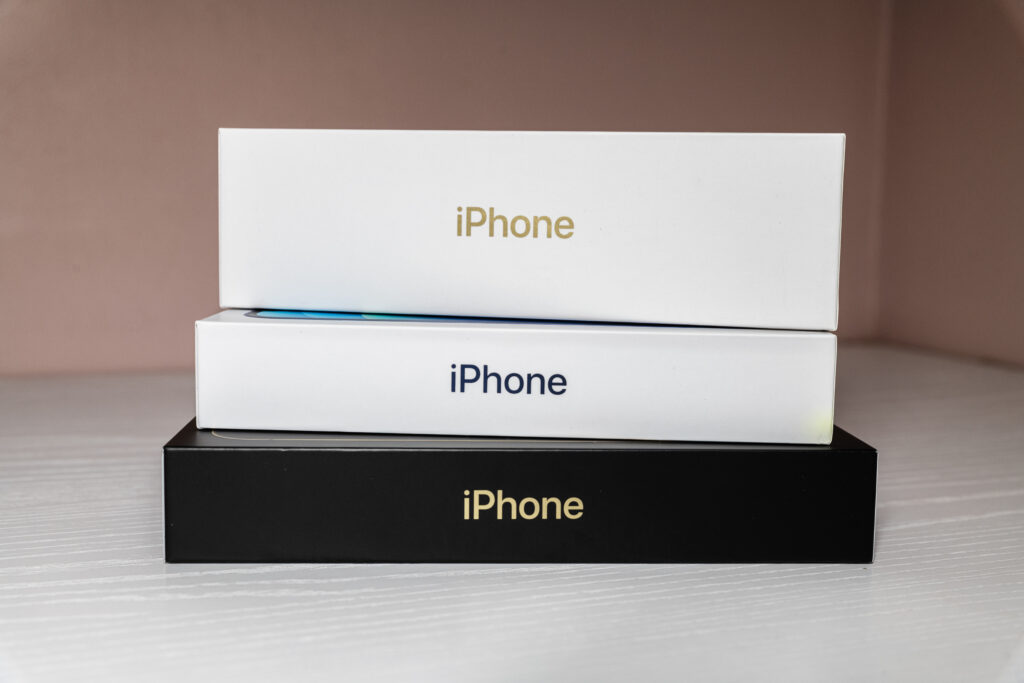
If you’re the type who keeps original packaging (or emails from years ago), this one’s simple.
The box often lists the release year.
Your receipt or order confirmation will have the purchase date.
If you buy through Apple directly, your Apple ID purchase history will also list when that iPhone was activated.
Handy if you want to know when you first got it, not just when it launched.
5. Use Apple ID & Online Lookup Tools
Head to Apple ID > Devices and you’ll see your current and past iPhones listed, often with purchase or activation dates.
You can also use trusted phone’s IMEI number/serial number checkers for warranty and age info – but Apple’s own tools are the safest bet.
Quick Reference: iPhone Release Dates
| Model | Release Date |
|---|---|
| iPhone 8 | September 22, 2017 |
| iPhone X | November 3, 2017 |
| iPhone 11 | September 20, 2019 |
| iPhone 12 | October 23, 2020 |
| iPhone 13 | September 24, 2021 |
| iPhone 14 | September 16, 2022 |
| iPhone 15 | September 22, 2023 |
| iPhone 16 | September 20, 2024 |
| iPhone 16e | February 28, 2025 |
Why Your iPhone’s Age Matters in 2025
Resale Value (To Sell iPhone): Buyers want to know how old a device is before paying .
Upgrade Planning: Helps you decide if it’s worth repairing or replacing. (Find the Refurbished Phones at Best Price)
Warranty & Repairs: Still in coverage? Age tells you.
Nostalgia: Because sometimes, you just want to know how long you’ve had your trusty device.
Final Word: Be the Sherlock Holmes of iPhones
You don’t need to guess or scroll through random forums anymore. With your model number, serial number, iOS version, or even your Apple ID, you can pin down your Phone’s age in minutes.
From the vintage iPhone 8 to the brand-new iPhone 16e, this guide gives you everything you need to crack the case.
So next time someone asks, “How old is your iPhone?” – you’ll have the answer, right down to the year.
For Android Phone: Not using an iPhone? You can also check how old your Android phone is with our step-by-step guide.