If you’re asking “what is Bluetooth?” you’re not alone. Bluetooth pops up when pairing headphones, sending photos, or connecting a car. But it’s easy to wonder about versions, pairing modes, connection errors, and how it really works.
In this guide, we explain what Bluetooth is in simple terms. We’ll show you how Bluetooth works, how to connect Bluetooth on your phone and devices, and how to fix common issues.
As a leading UK expert in refurbished mobiles, The Big Phone Store has tested thousands of handsets and accessories—so you’ll get practical advice that actually works.
What is Bluetooth?
Bluetooth is a short-range wireless technology that lets devices talk to each other without cables. It’s designed for low power and convenience rather than long distance or high bandwidth.
Typical uses:
- Wireless earbuds and headphones
- Smartwatches and fitness trackers
- Car hands-free and media
- Keyboards, mice, game controllers
- Sharing files or connecting to other phones
Range: usually up to 10 metres indoors
Power: designed to sip battery, not drain it.
Speed: enough for audio, controls, and small data
How does Bluetooth work?
Bluetooth uses radio waves in the 2.4 GHz band. Devices first pair to establish trust, then connect to share data.
The process, simplified:
- Discovery: One device is made discoverable; the other scans.
- Pairing: They exchange keys (a bit like swapping padlock codes).
- Profiles: They agree what they’ll do—audio, file transfer, car controls—using standard profiles (e.g., A2DP for stereo audio, HFP for calls).
- Connection: They maintain a link, hopping across frequencies to avoid interference.
Bluetooth vs Bluetooth Low Energy (BLE)
- Bluetooth Classic: great for continuous audio (headphones, speakers).
- Bluetooth Low Energy (BLE): ultra-low power for sensors, wearables, and beacons. Many modern phones support both.
How does Bluetooth connect to your phone? (Step-by-step)
Follow these steps on most Android and iPhone devices:
- Charge both devices. Low battery can block pairing.
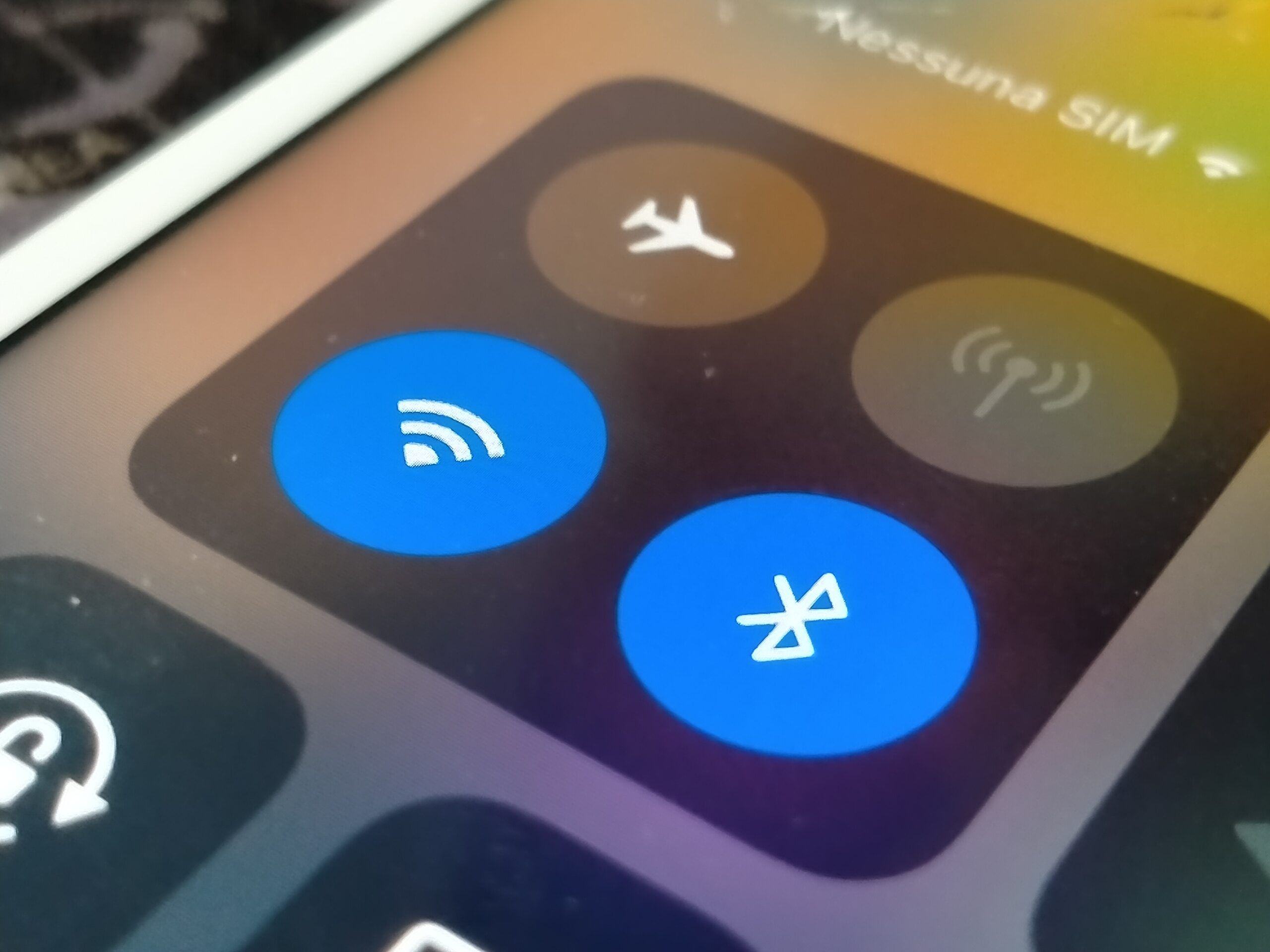
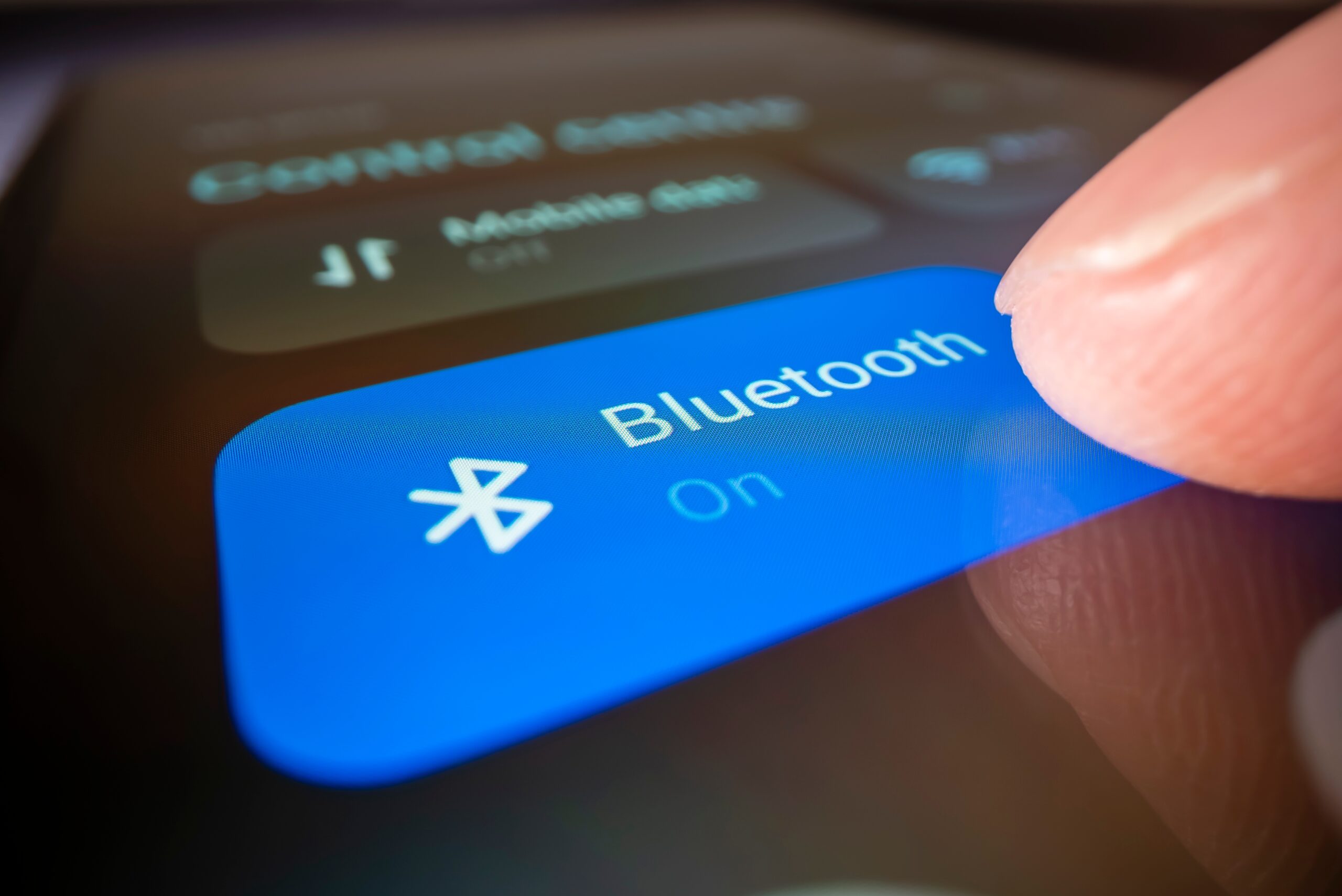
- Turn on Bluetooth on your phone (Settings > Bluetooth).
-
Put the accessory in pairing mode.
- Headphones: hold the power or dedicated pair button until the LED flashes.
- Car: open the car’s Bluetooth menu and choose “Add new device.”
- Select the device on your phone. Tap the name that appears under Available Devices.
- Confirm the code if prompted (for cars or keyboards).
- Allow permissions (contacts or media) if you want hands-free calling or media control.
- Test it. Play a song or make a quick call.
Tip: If the device doesn’t show up, toggle Bluetooth off and on, or restart the accessory.
Common Bluetooth problems and quick fixes
- Ensure pairing mode (watch for a flashing LED).
- Move within 1–2 metres for the initial pairing.
- Forget old paired devices.
- Select the Bluetooth device as the audio output.
- Check the volume on both the phone and the accessory.
- Disable “Absolute Volume” (Android Developer Options) if levels seem odd.
- Keep within range of both devices.
- Move away from Wi-Fi routers or microwaves.
- Update firmware for earbuds or the car head unit if available.
- On your phone, forget the car and re-pair.
- In the car menu, delete the old phone entry.
- Allow “Sync contacts” and “Show notifications” for full hands-free.
Bluetooth versions explained
Newer versions bring better speed, range, stability, and multi-device features. Most are backwards compatible.
| Version | Key benefits | Typical perks you’ll notice |
|---|---|---|
| 4.0/4.2 | Introduced BLE, better security | Longer battery life for wearables |
| 5.0 | 2x speed, 4x range (BLE) | Fewer dropouts, better coverage |
| 5.1 | Direction finding | Faster, more reliable pairing |
| 5.2 | LE Audio, LC3 codec | Clearer sound at lower power |
| 5.3 | Efficiency tweaks | Smoother multi-device switching |
Note: LE Audio and the LC3 codec (from Bluetooth 5.2) can improve sound quality at lower bitrates—great for battery life and stability.
How to make Bluetooth more reliable
- Keep software updated: phone OS and accessory firmware.
- Limit interference: avoid crowded 2.4 GHz spaces when pairing.
- Clear the list: if a device stores many pairings, delete older entries.
- Use the right profile: for calls, ensure HFP/HSP is enabled; for music, A2DP.
- Try a “forget and re-pair”: it solves most persistent quirks.
Quick FAQs
Yes. It uses low power and encrypted connections. Keep your device updated and avoid pairing in public if you’re concerned.
Usually 10 metres indoors for consumer gear. Some devices (higher class, newer versions) can go farther in open spaces.
Some phones and accessories support multi-point or dual audio. Check your model’s specs; newer Bluetooth versions handle this better.
Conclusion
Now you can confidently answer “what is Bluetooth?” It’s a simple, low-power way to connect your tech without cables. You know how Bluetooth works, how to connect Bluetooth devices, and how to fix common issues. If you’re using a refurbished phone from The Big Phone Store, you’ll get great Bluetooth performance plus expert support if things go wrong.
- Browse our range of refurbished smartphones to pair with your favourite Bluetooth gear.
- Shop by brand—find your perfect refurbished Samsung, Apple, Google, and more.
- If you’re still unsure, contact The Big Phone Store team for friendly, fast help.