
Keeping a phone snappy shouldn’t feel like a tech degree. Apps bloat. Storage fills. Batteries get tired. It’s annoying, especially when you just want things to work.
This guide gives you simple, trusted steps to speed things up and keep your device healthy. It’s brand-agnostic with quick, device-specific hacks.
At The Big Phone Store, we’ve refurbished and tested thousands of handsets. These are the habits that actually make a difference.
The 10-Minute Monthly Tune-Up (All Phones)
Do these once a month. It’s quick and effective.

- Clears cached processes and memory leaks.

- New versions fix bugs and improve performance.

- Aim for 15–20% free space.
- Delete large videos or move them to the cloud or a PC.
- Clear the Downloads folder and WhatsApp media.
- Uninstall apps you haven’t opened in 90 days.

- iOS: Offload unused apps (Settings > General > iPhone Storage).
- Android: Settings > Storage > Cached data or per-app “Storage & cache”.

- Fewer widgets and live wallpapers = less background load.

- iOS: Settings > Battery > Battery Health.
- Android: Settings > Battery (or manufacturer app). If degraded, use battery saver and dim the screen.

- Turn off “Background App Refresh”/“Allow background data” for non-essentials.

- Social, maps, shopping apps often auto-launch. Turn that off.

- Then remove local duplicates. Peace of mind + space back.

- Use Google Play Protect or a trusted security app.
Pro tip: Keep at least 5GB free at all times. Phones slow down when storage is packed.

- Use Lite modes: Many apps offer “Lite” or “Data Saver”. Faster and gentler on RAM.
- Turn off unnecessary notifications: Fewer pings = fewer wakeups = better battery.
-
Reduce animations:
- iOS: Settings > Accessibility > Motion > Reduce Motion.
- Android: Developer options > Animation scale to 0.5x or off.
- Prefer Wi-Fi over mobile data: Lower battery drain, smoother updates.
- Keep brightness smart: Auto-brightness or 50–70% manual saves heat and battery.
| Problem | Try This First | Then Try |
|---|---|---|
| Phone feels slow | Reboot Close heavy apps Clear cache | Remove widgets Free 2–4 GB storage |
| Battery draining fast | Lower brightness Disable 5G (temp) | Limit background refresh Enable Battery Saver |
| Apps crashing | Update app & OS Clear app cache | Reinstall app Check free space |
| Overheating | Remove case Leave sun/heat Pause gaming | Update apps Limit background processes |
| Storage full | Back up photos Clear Downloads | Offload unused apps Uninstall rarely used |
Tip: Aim to keep 15–20% storage free for the smoothest performance. Below 10% can slow any phone down.
Brand-Specific Mini Hacks
- Offload unused apps without losing data: Settings > App Store > Offload Unused Apps.
- Find storage hogs fast: Settings > General > iPhone Storage lists the biggest space users.
- Device Care boost: Settings > Battery and device care > Optimize now.
- RAM Plus tweak: Reduce or disable virtual RAM if it slows things: Settings > Battery and device care > Memory > RAM Plus.
- Adaptive Battery & Charging: Settings > Battery > Adaptive preferences. Learns your usage for smoother battery life.
- Storage Smart Cleanup: Files by Google > Clean to safely remove junk and duplicates.
- Moto Actions off = fewer wakeups: Disable gestures you don’t use in Moto app > Gestures.
- Peak Display trim: Turn it off for longer battery life if you get many notifications.
- App auto-launch control: Settings > App management > Auto-launch—deny for non-critical apps.
- High performance mode (temporary): Use only when needed; it drains battery.
- Security app > Cleaner: One-tap cache and junk removal.
- Autostart manager: Settings > Apps > Permissions > Autostart—limit chatty apps.
- STAMINA mode: Settings > Battery > STAMINA for an instant endurance boost.
- Game Enhancer: Limit performance and notifications per game to reduce heat.
Battery Care That Actually Works
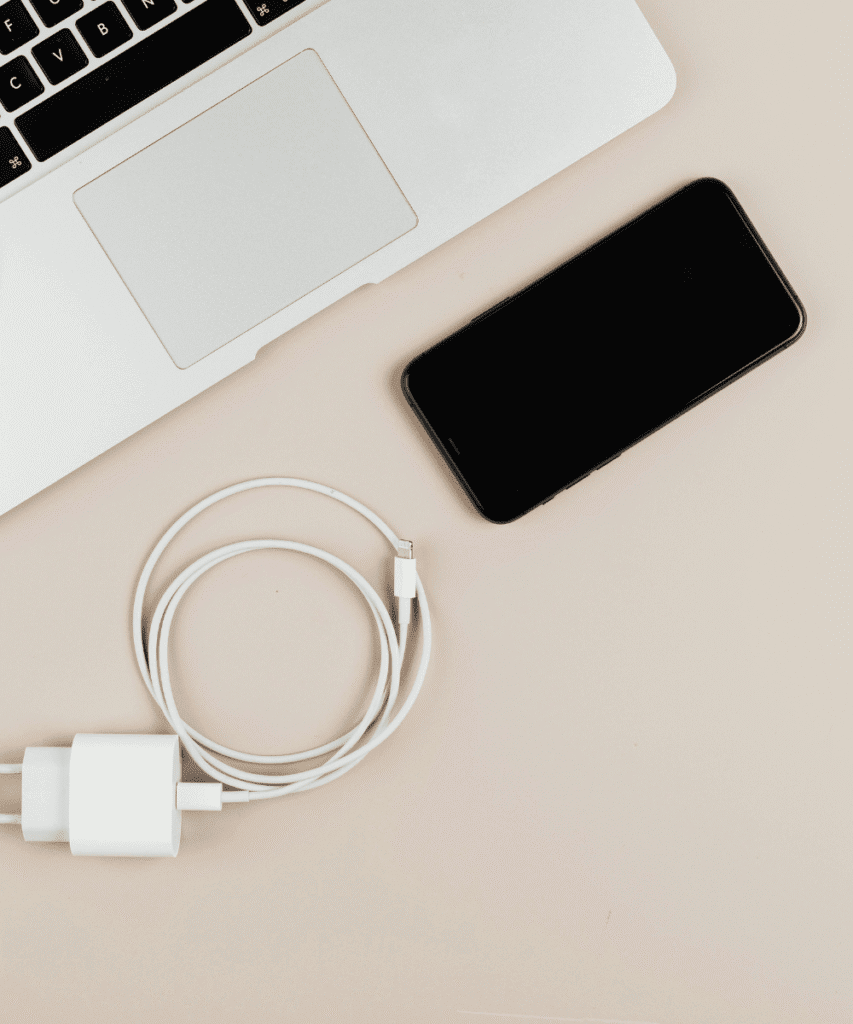
- Shallow charge cycles are better. Top up between 20–80% when you can.
- Avoid heat. Don’t game or navigate while fast-charging.
- Use quality chargers and cables. Cheap ones can cause slow or unstable charging.
- Turn off radios you don’t need. 5G, Bluetooth, hotspot—only when you use them.
Optional: Deep Clean (Quarterly)
- Factory reset & clean install if things feel persistently laggy. Back up first.
- Replace the battery on older phones. It’s the biggest “new phone” feel for less.
Frequently Asked Questions (FAQ's)
No. It removes temporary files, not your personal content.
Only for clearly misbehaving apps. Constant force-closing can increase battery drain as apps relaunch.
Aim for 15–20% free. Below 10% can slow things down.
Conclusion
Keeping your phone running smoothly is mostly routine: updates, space, and sensible settings. Add a few brand-specific tweaks and you’ll notice the difference fast. If you need deeper help—or a device that feels fresh without the flagship price—The Big Phone Store has your back.
Useful Links:
- Browse our range of refurbished phones.
- Check out our guide to extending Samsung or Apple battery life.
- If you’re still unsure, contact The Big Phone Store team for friendly advice.