Charging your phone might seem simple, but there’s actually a lot more to it! With the right tips and tools, you can charge faster, protect your battery, and stay powered up wherever you go.
This guide covers everything—from cables and plugs to wireless charging, power banks, and more. Ready to become a phone charging pro? Let’s dive in!
- 🔋Handy Tips for Smarter Charging
- 🔋 Why Power Banks Are a Must-Have
- 🔋 Choosing the Right Charging Plug
- 🔋 Power Banks vs. MagSafe: What’s the Difference?
- 🔋 The Perks of Wireless Charging
- 🔋Common Charging Myths (Debunked!)
- 🔋Eco-Friendly Charging Tips
- 🔋How to Check Your Phone’s Battery Health
- 🔋Best Charging Setups for Different Lifestyles
- 🔋Best Charging Accessories to Bundle
- 🔋Quick Charging Safety Checklist
- 🔋Final Thoughts
🔋Handy Tips for Smarter Charging
Stock Up on Extra Cables
- Keep cables in key spots like your bedroom, car, and office—so you’re never caught without one.
Know Your Cable Type
- Check if your phone uses USB-A, USB-C, or Lightning. The wrong cable can cause slow charging or damage.
Use Quality Chargers
- Stick to original or certified chargers. They’re safer and usually charge faster too.
Avoid Overcharging
- Unplug your phone once it’s fully charged to prevent extra battery strain—even though many phones now auto-stop at 100%.
Turn on Adaptive Charging
- Many phones have adaptive or optimized charging modes to protect battery health overnight. Check your settings!
Match Your Charger to Your Phone
- Only use fast chargers if your phone supports them. Using one with an incompatible phone can cause overheating.
Charge in Cool Areas
- Keep your phone away from heat sources while charging to prevent damage.
🔋 Why Power Banks Are a Must-Have
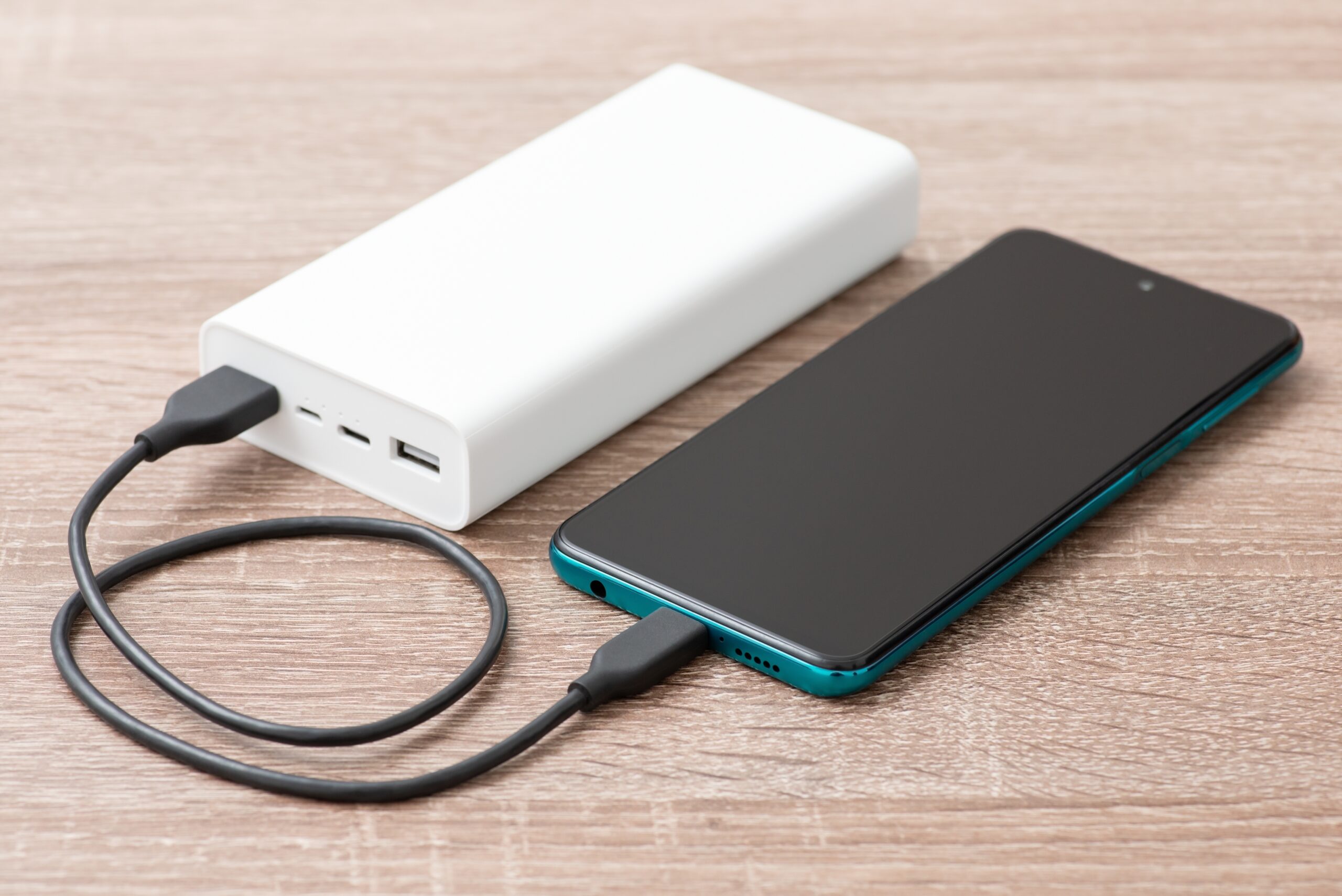
Power banks are super handy for staying charged on the go:
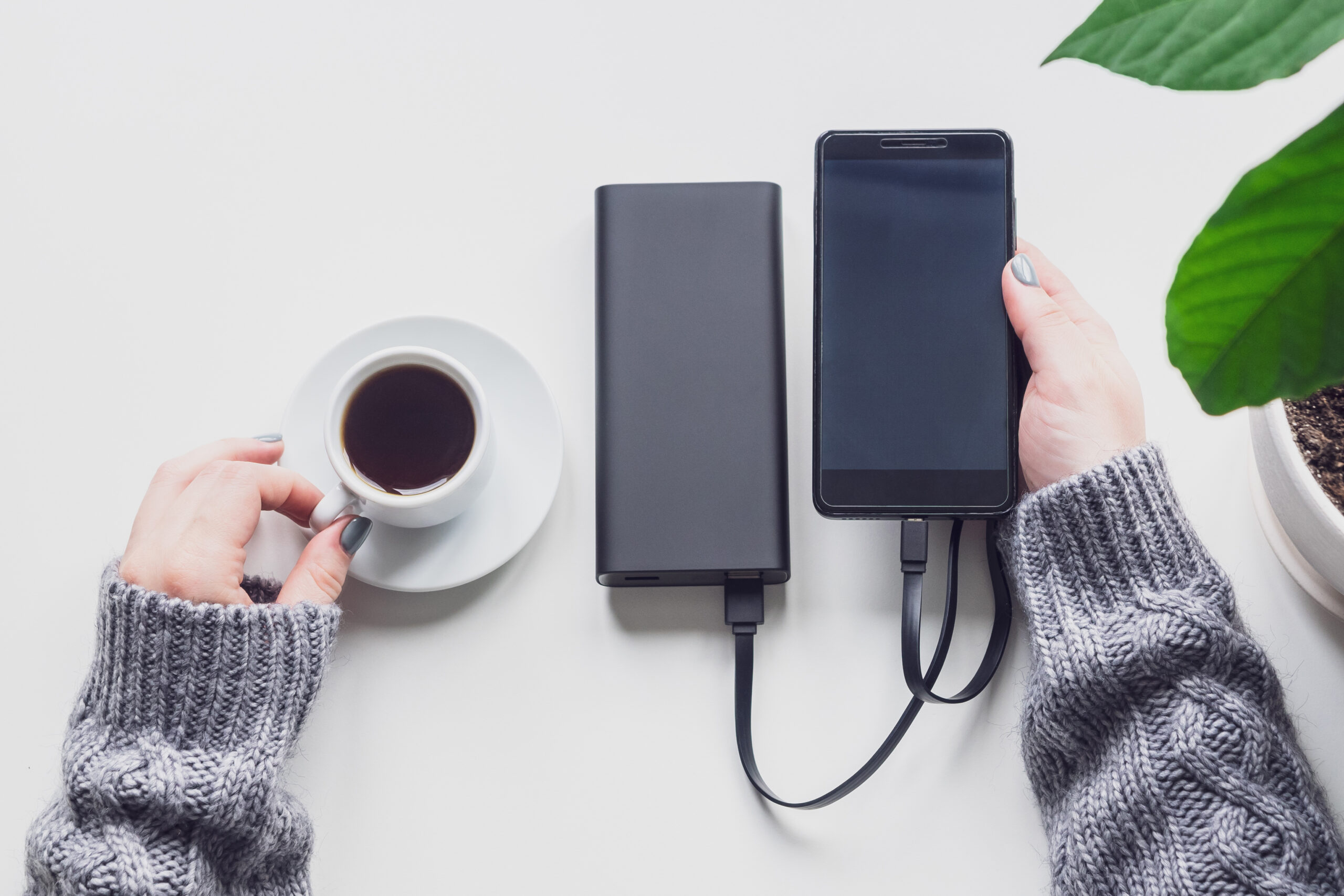
- Portable Power: Bring them on trips, flights, festivals, or busy days.
- Multiple Charges: Many power banks can recharge your phone several times.
- Charge Multiple Devices: Great for phones, tablets, headphones, and more.
- Reminder: Bring your cable unless you’re using a MagSafe power bank!
🔋 Choosing the Right Charging Plug
Picking the right plug is just as important as picking the right cable:
Wattage Matters
- Make sure the plug matches your phone’s supported charging speed (check your phone’s specs online).
USB Type
- Newer plugs use USB-C for faster charging, but older devices may need USB-A. Choose the right one for your gear.
Focus on Safety
- Avoid cheap, uncertified plugs—they can overheat, damage your phone, or even be unsafe.
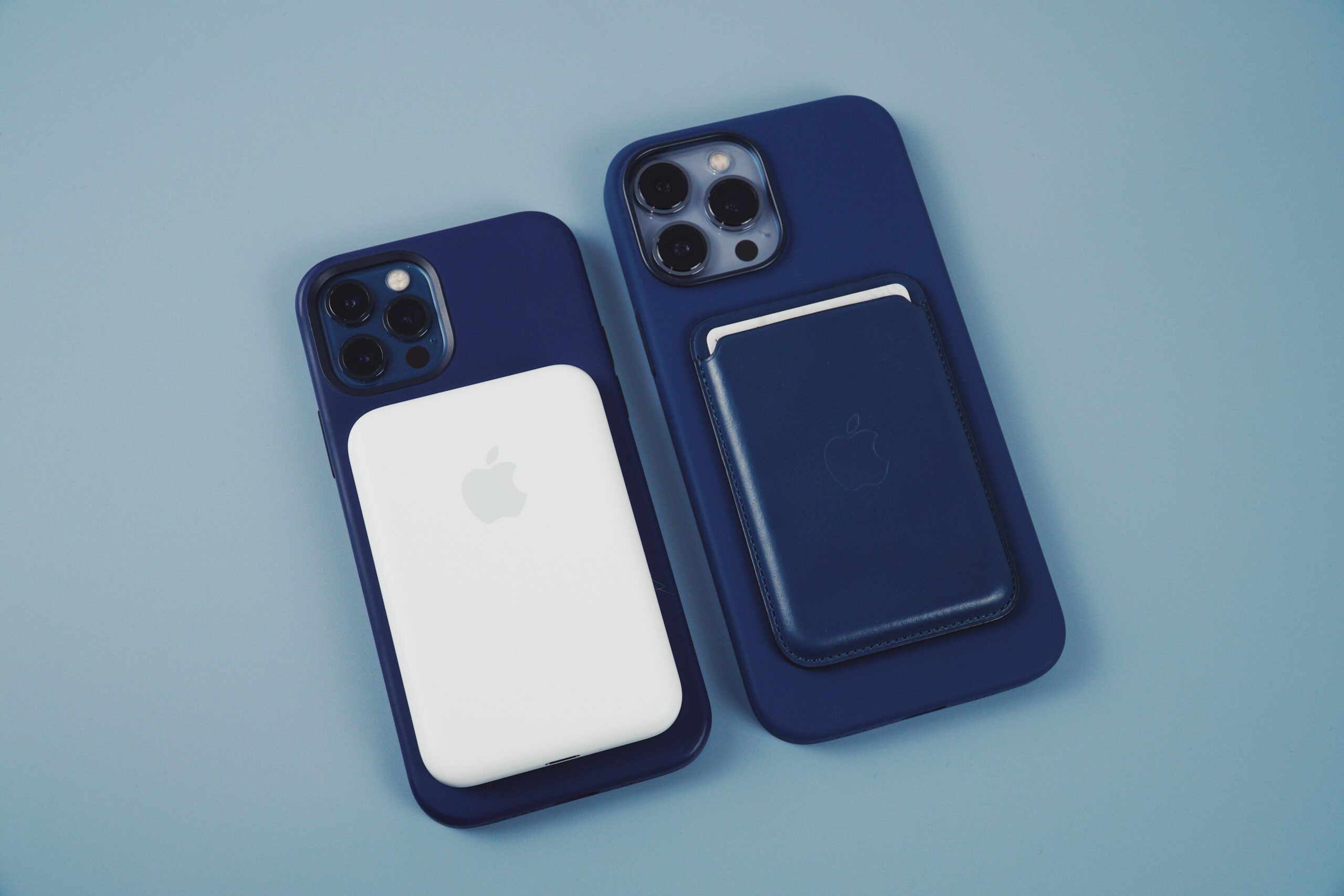
🔋 Power Banks vs. MagSafe: What’s the Difference?
Power Banks
- Work with almost any device.
- Charge multiple gadgets with USB cables.
- Provide several full charges.
- Great for people who carry many devices.
MagSafe Power Banks
- Attach magnetically to the back of compatible phones.
- Smaller and more compact, but provide fewer charges.
- Convenient for quick, light charging needs.
🔋 The Perks of Wireless Charging
Wireless charging makes powering up easy and clutter-free:
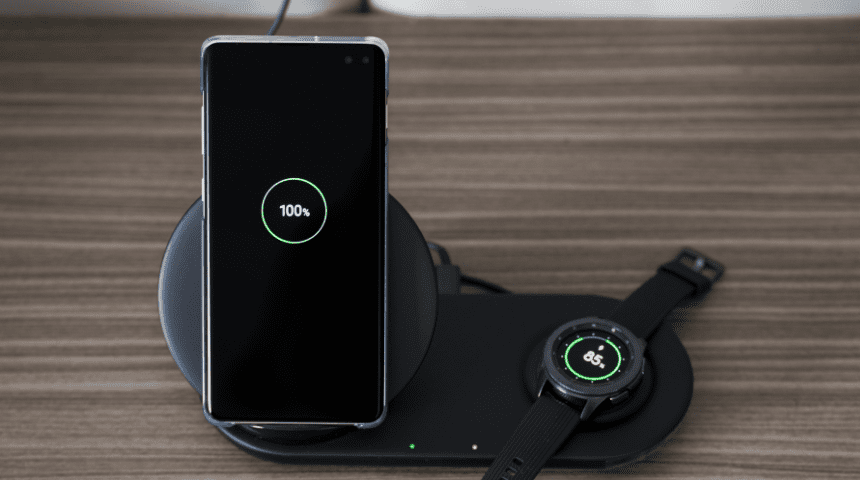
- Simple to use: Just place your phone on the pad.
- Less wear and tear: No plugging means less damage to charging ports.
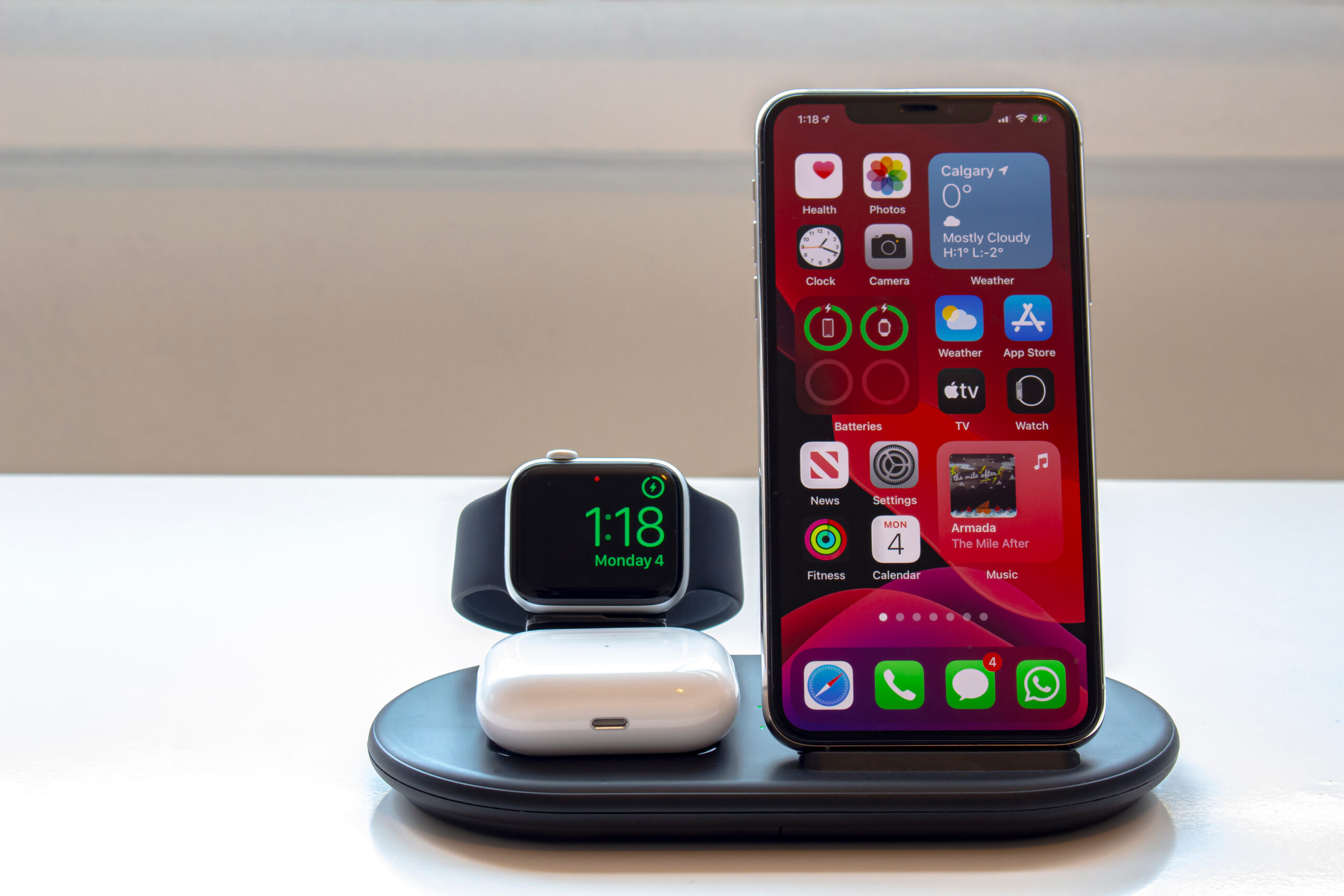
- Charge several devices: Some pads can power phones, earbuds, and watches all at once.
- Safer charging: Fewer exposed wires reduce risks.
- Fast speeds: Many now offer fast wireless charging.
- Tidy spaces: Say goodbye to messy cords.
- Works with many devices: Most follow the Qi charging standard.
🔋Common Charging Myths (Debunked!)
Don’t fall for these common charging myths:
-
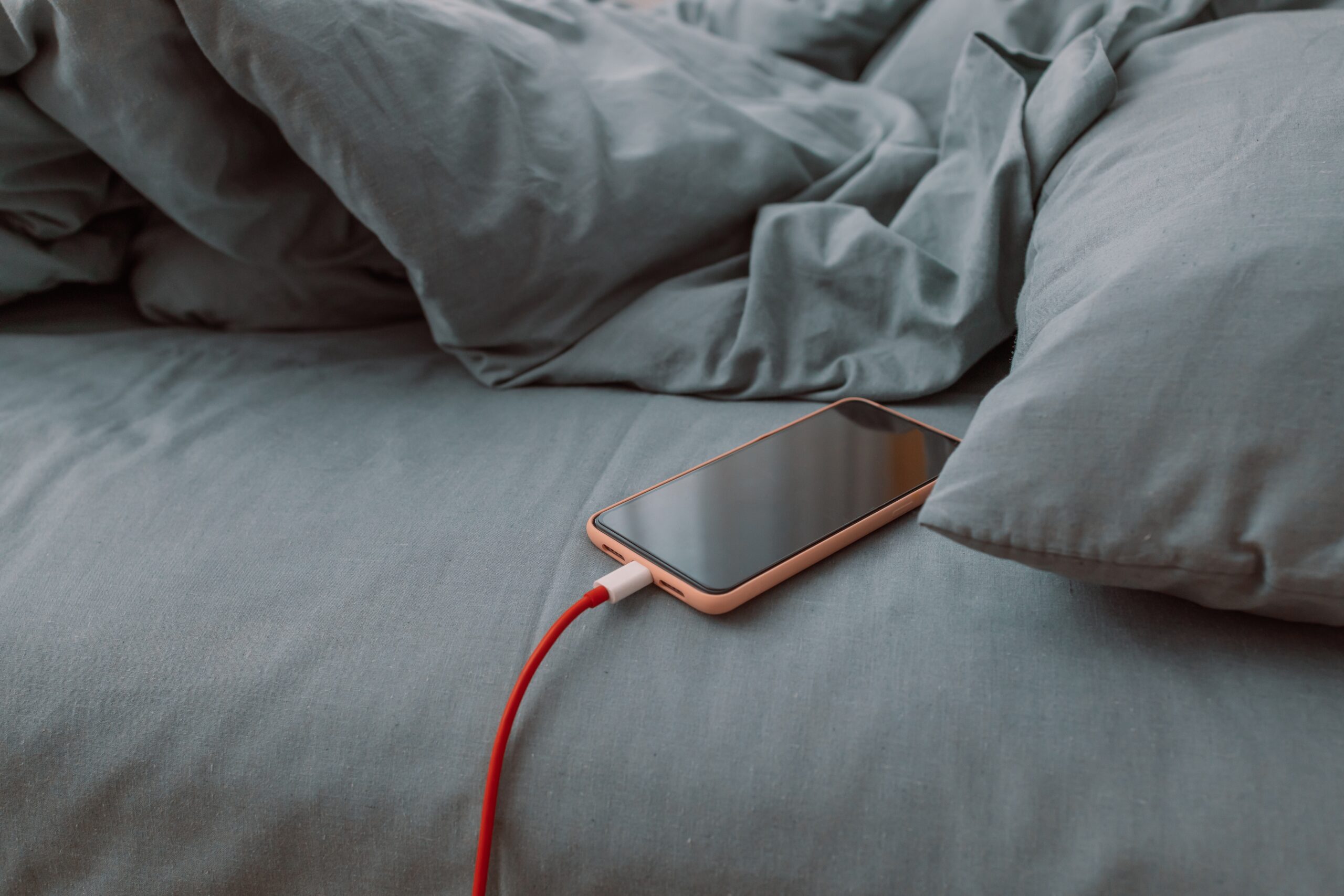
Myth: Charging overnight ruins the battery.
Truth: Most phones manage charging safely overnight, but avoid doing it regularly in hot environments. -
Myth: You should fully drain your phone before charging.
Truth: Lithium-ion batteries last longer when kept between about 20% and 80%. -
Myth: Fast charging always damages phones.
Truth: Fast charging is safe on phones designed for it—just don’t rely on it constantly if you don’t need to.
🔋Eco-Friendly Charging Tips
Want to charge your phone and help the planet?
- Unplug chargers when not in use: Even idle chargers draw small amounts of power.
- Choose durable cables: Fewer replacements mean less waste.
- Enable battery-saving modes: Many phones include settings that preserve battery health and reduce energy use.
🔋How to Check Your Phone’s Battery Health
Keeping an eye on battery health is smart!
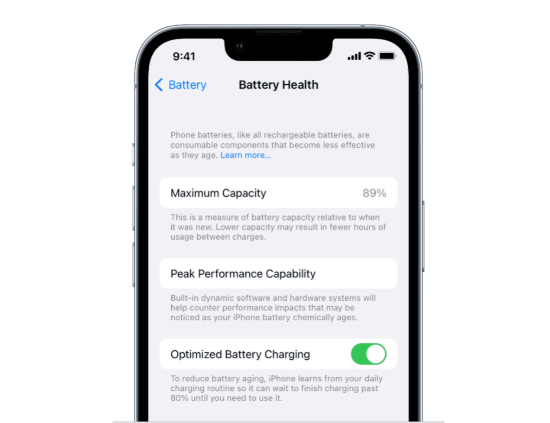
- iPhone users: Go to Settings → Battery → Battery Health & Charging.
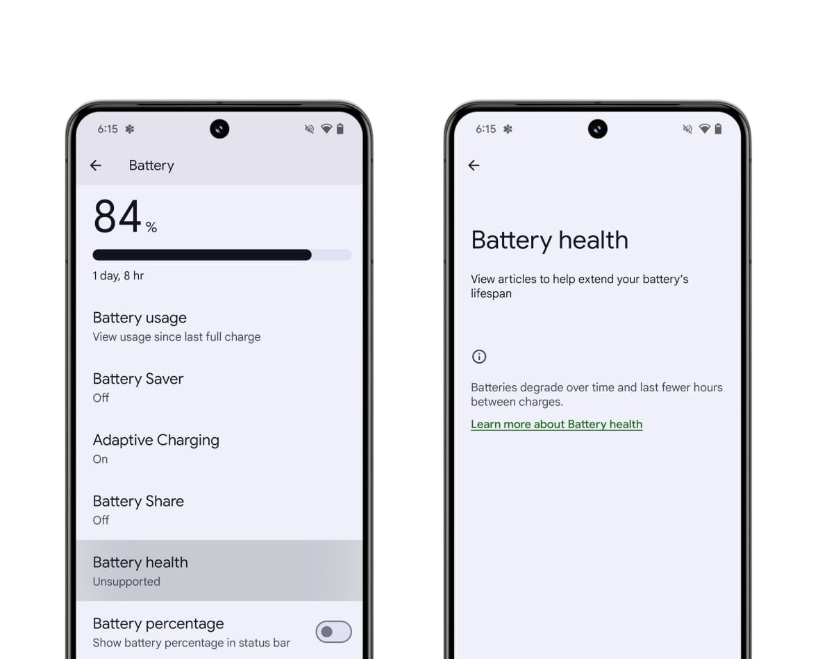
- Android users: Check under Settings → Battery, or use a trusted battery health app.
Look out for warnings like “Service Recommended” or large drops in maximum capacity.
🔋Best Charging Setups for Different Lifestyles
Need a charging plan? Here are ideas based on your routine:
Travellers
- High-capacity power bank
- Multi-port wall charger
- Travel adapter
Commuters
- Car charger
- Compact power bank
- Magnetic phone mount with charger
Remote Workers
- Fast-charging wall plug
- Wireless charging pad for your desk
- Cable organiser
🔋Best Charging Accessories to Bundle
Here are some great extras to make charging even better:
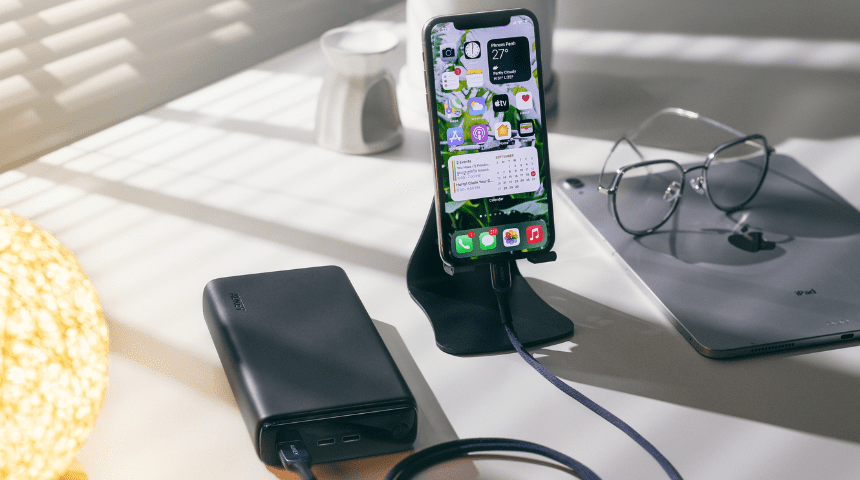
- Charging stands: Perfect for desks and nightstands.
- Magnetic cable holders: Keep cords neat and easy to grab.
- Multi-device charging stations: Charge everything in one place—ideal for families.
- Portable organisers: Keep cables and chargers tidy in your bag.
🔋Quick Charging Safety Checklist
Here’s a quick list to keep your phone—and you—safe while charging:
- ✔ Only use certified accessories.
- ✔ Don’t charge on soft or flammable surfaces.
- ✔ Keep charging areas cool and well ventilated.
- ✔ Replace damaged cables immediately.
- ✔ Never charge a wet phone.

🔋Final Thoughts
Charging your phone doesn’t have to be confusing! With the right habits, tools, and accessories, you can charge faster, keep your battery healthier, and avoid common problems.
Whether you prefer cables, wireless charging, or portable power banks, you’re now fully equipped to make the best choices for your phone—and your lifestyle.
Still got questions? Get in contact with us and we’ll do our best to answer!