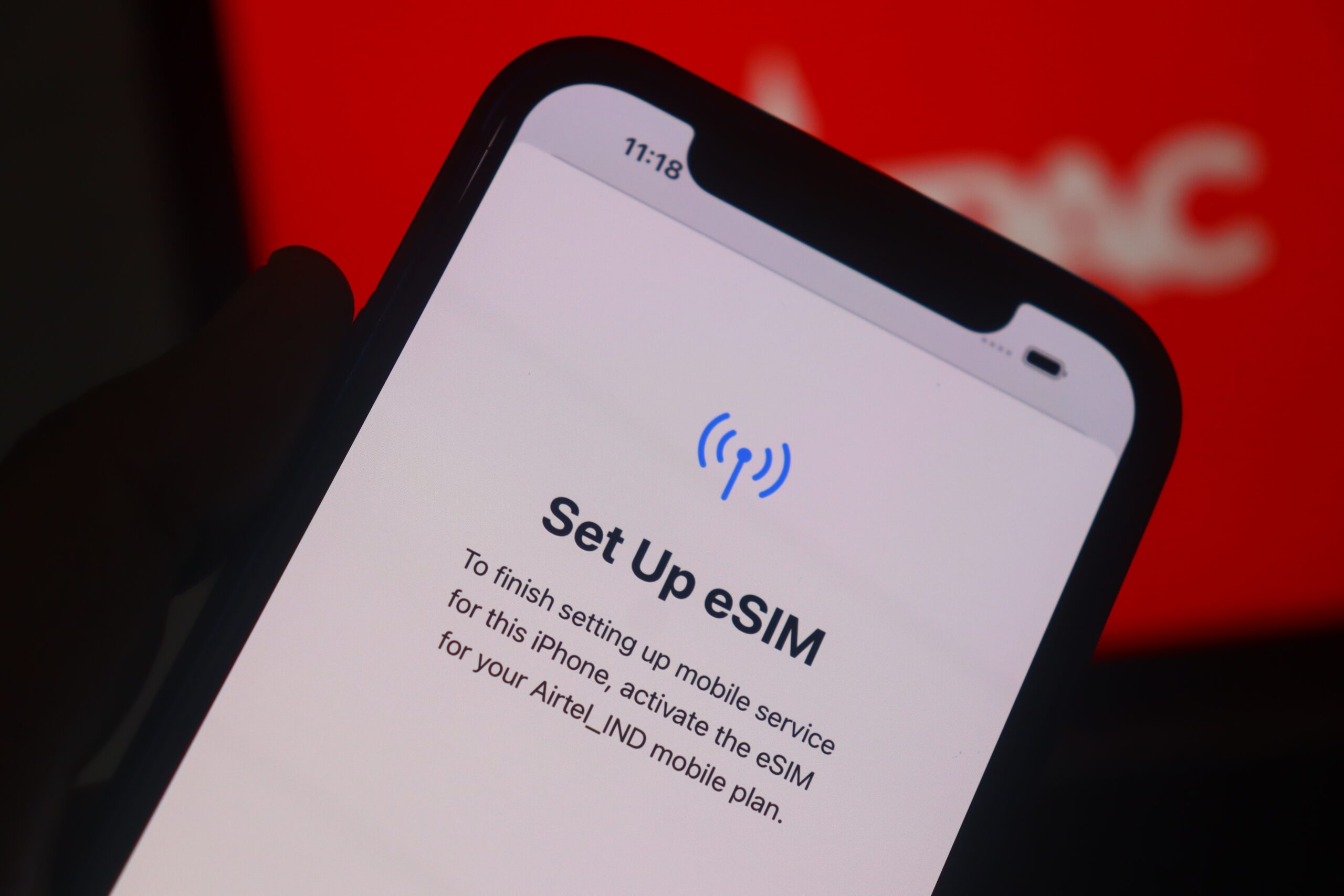
Short answer: yes — most refurbished iPhones can use iPhone eSIM in the UK. But it depends on the model and your network. If you’ve seen mixed advice online, you’re not imagining it.
eSIM support varies by iPhone generation and region, and UK networks rolled it out at different times.
This guide cuts through the noise. We’ll show you which iPhones work with eSIM, how UK carriers handle it, and the quickest way to activate.
We’re The Big Phone Store — UK experts in refurbished tech — and we’ll keep it simple.
What is iPhone eSIM?
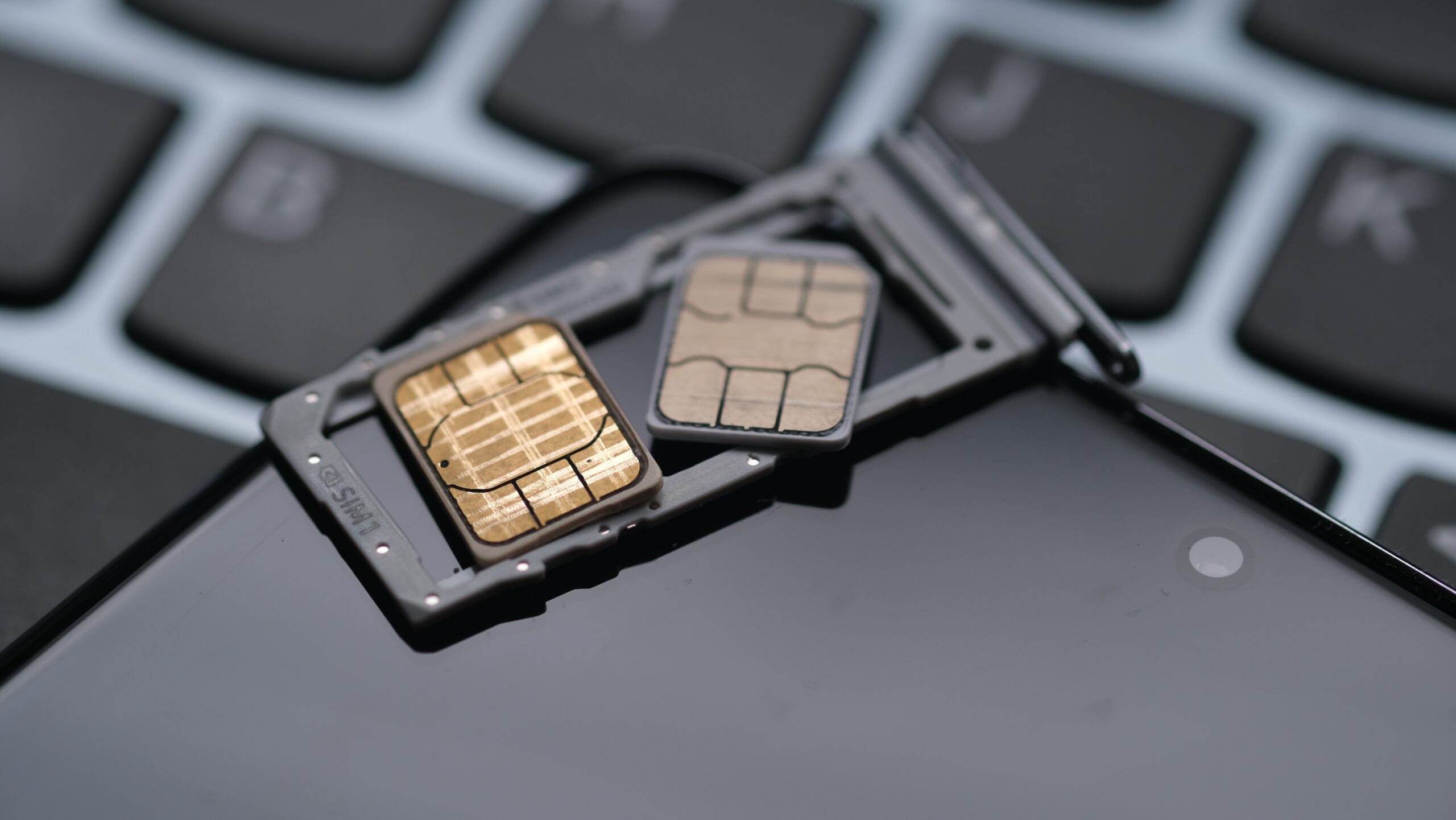
A digital SIM built into the phone. No plastic card needed.
Activate a plan by app, QR code, or automatic carrier setup.
Store multiple profiles for travel or work.
Needs an eSIM-capable iPhone and a network that supports eSIM.
Which refurbished iPhones support eSIM?
iPhone XS / XR or later support eSIM. If your refurbished iPhone is XS/XR, 11, or newer, you’re covered.
Dual eSIM / Dual SIM:
iPhone 13 and later can run two eSIMs (or one eSIM + one physical SIM, depending on the model/region).
Many UK models (e.g., iPhone 16 / 16e) list Dual SIM (nano-SIM + eSIM) and dual eSIM support.
Region caveat: Mainland China iPhone variants traditionally don’t support eSIM (with specific, new exceptions). If you import one of those, you may not be able to add a UK eSIM. Luckily, all devices from The Big Phone Store are UK spec, meaning fully eSIM compatible.
New eSIM-only models: Some recent iPhones drop the SIM tray entirely in certain countries, while others (like iPhone Air) are eSIM-only in the UK too. Always check the specific model listing.
Do UK networks support eSIM?
Yes. All four major UK carriers support eSIM on compatible phones:
EE
O2 (Virgin Media O2)
Vodafone
Three
Plenty of MVNOs offer eSIM too (and the list is growing). If you’re unsure, check Apple’s official eSIM carrier list for the UK or your network’s help pages.
How to set up iPhone eSIM on a refurbished iPhone (fast)
Before you start
Connect to Wi-Fi.
Update to the latest iOS.
Make sure the phone is unlocked (we sell unlocked phones).
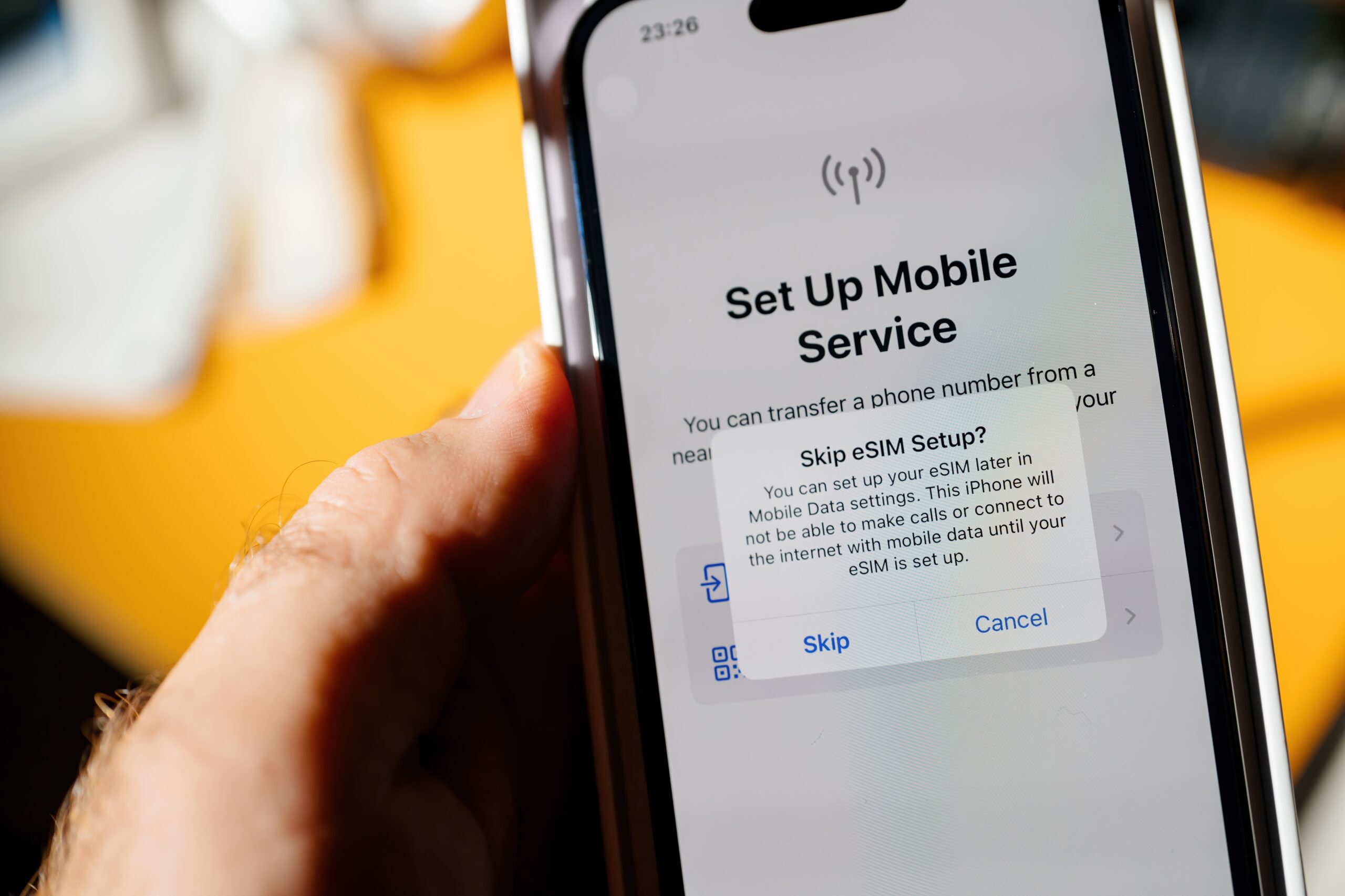
Activate using one of these methods:
eSIM Quick Transfer from your old iPhone (on-device prompt).
Carrier eSIM Activation sent digitally by your network.
QR code from your network (scan via Settings).
Find your EID/IMEI (often requested by networks):
Go to Settings → General → About and scroll to EID and IMEI.
Tip: After installation, make a test call and toggle Mobile Data to confirm it’s live.
Common gotchas (and quick fixes)
Old iOS version can block eSIM options. Fix: update iOS, reboot, try again.
Plan not eSIM-enabled on your account. Fix: ask the network to convert your line to eSIM or issue a QR code.
Dual lines confusion. On iPhone 13 and later you can run two eSIMs. Label each line in Settings → Mobile Data.
Locked phone. If the device is carrier-locked, you might be restricted to that network’s eSIM. Fix: buy unlocked (our default) or request an unlock from the original carrier.
Quick checker before you buy
Is the iPhone XS/XR or newer?
Is it a UK/European model (not a Mainland China variant)?
Does your carrier support eSIM for iPhone?
Do you have the EID/IMEI handy for activation?
Conclusion
Refurbished iPhones absolutely can use iPhone eSIM in the UK — provided the model supports it and your network offers eSIM.
Start with an XS/XR or newer, confirm the region, and use Quick Transfer, Carrier Activation or a QR code to get connected in minutes. If you want a hassle-free start, buy from a trusted refurbisher.
At The Big Phone Store, we verify compatibility and keep things simple.
Browse our range of refurbished iPhones.
Explore our Apple collection.
Read next: The Complete Guide to SIM Cards.
Still unsure? Contact The Big Phone Store team — we’re happy to help.