When we talk about smartphones, most people think of apps, cameras, or social media. But there’s a whole world of powerful tools hidden in your device that are designed to make it easier for everyone to use – no matter their abilities. These are called Accessibility Features, and they can really improve your day-to-day.
What Are Accessibility Features?
What Are Accessibility Features?
Accessibility Features are built-in tools on your phone that help users with visual, hearing, mobility, or cognitive differences use their devices more comfortably. But here’s the surprise: even if you don’t have a disability, many of these features can still make your life easier or even improve your health.
Top Accessibility Features and Why They Matter
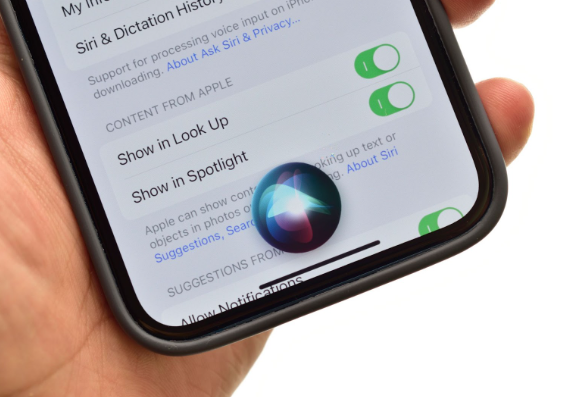
1. Voice Control
Whether you’re juggling shopping bags or have limited hand mobility, voice assistants like Siri, Google Assistant, and Voice Control let you navigate your phone, send messages, and more – all hands-free.
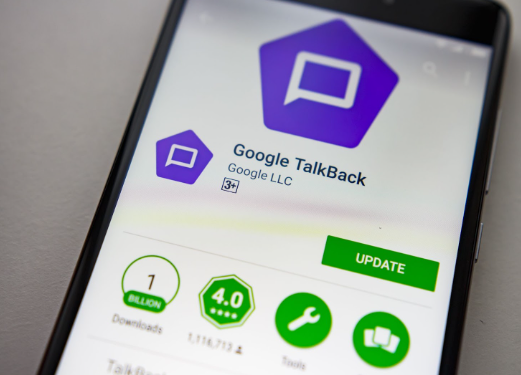
2. Screen Readers
VoiceOver on iPhones and TalkBack on Android read out what’s on your screen. They’re vital for people with visual impairments but can also help when your eyes are tired or when you want to multitask while listening.
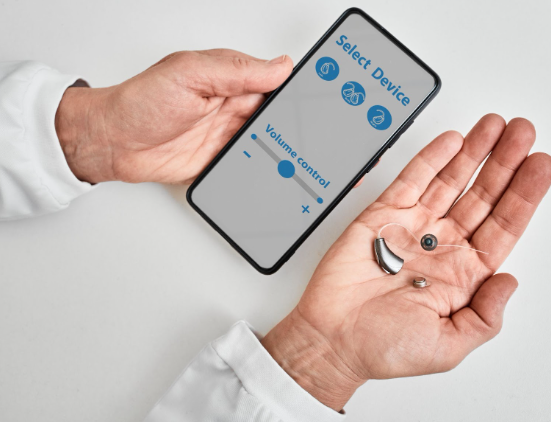
3. Hearing Aid Compatibility & Live Listen
Phones now work directly with many hearing aids. Live Listen can even turn your phone into a microphone, making it easier to hear conversations in noisy places – useful for anyone in a loud pub or restaurant!
4. Magnification
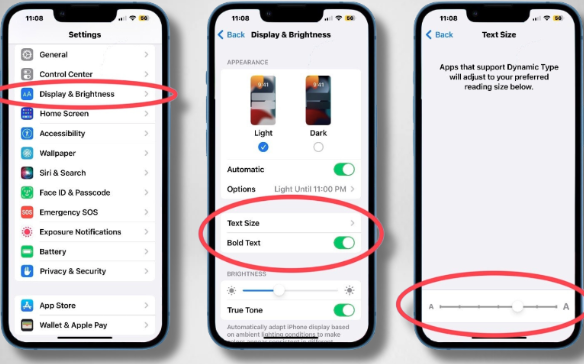
Zoom features and text size settings let you make things bigger and easier to read. It can help with far-sightedness, younger children and eye strain.
5. Colour Adjustments
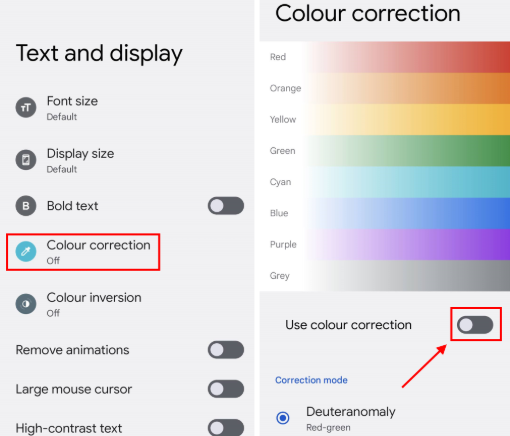
Colour filters and contrast settings help users with visual challenges or dyslexia. Night mode isn’t just for sleep – it’s also easier on the eyes for everyone.
6. Live Captions
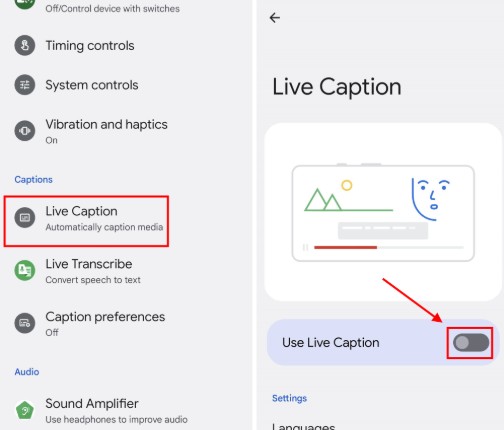
Your phone can create real-time captions for audio, making it perfect for users with hearing impairments. But it’s also great when you’re watching a video quietly in public or trying to understand a strong accent.
7. Custom Touch Controls
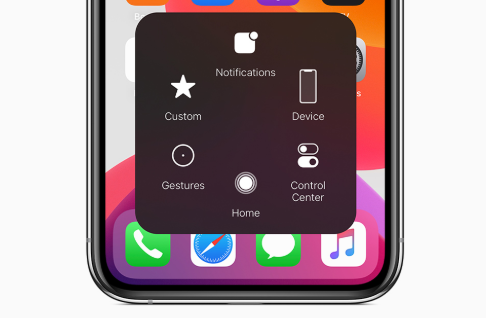
Features like AssistiveTouch and Switch Access help people with mobility impairments use their phones with simple gestures or adaptive switches. These tools can also reduce repetitive motion and hand strain, making them a smart choice for anyone concerned about long-term joint health.
Benefits You Might Not Have Considered
- Better Focus: Simplified screens and custom control settings can help reduce distractions.
- Improved Sleep: Night mode and blue light filters are easier on the eyes and can improve sleep quality.
- Less Stress: Voice control and smart typing tools reduce the need to constantly tap and swipe.
Final Thoughts
Accessibility Features aren’t just for people with disabilities, they’re for anyone who wants a smoother, more comfortable experience with their device. Whether you’re managing a condition or just want to look after your eyes, ears, or hands, exploring these tools is well worth your time.
So go ahead, dive into your phone’s settings and check out the Accessibility Features. You might just find something that makes your day a little easier!